
Demand intake
Lead
buyer / seller
Homejourney helps businesses across the property journey manage demand, customers, jobs, referrals, matters, projects, handoffs, updates, and reporting from one operating workspace.
Homejourney OS
Demand intake
Lead
buyer / seller
Daily work
Client
follow-up
Handoff
Viewing
next step
Capture brief
Search, referrals, and repeat client intent
Match options
Listings, viewings, notes, and recommendations
Follow through
Offers, reminders, documents, and partner handoffs
Qualify buyer brief
LeadSearch intent -> agent CRM
Schedule viewing
ViewingClient request -> calendar
Draft follow-up
ReplyPost-tour notes -> next step
Turn property intent, referrals, and applications into owned work for the right business.
Manage customers, jobs, referrals, matters, projects, documents, and follow-ups.
Keep teams, partners, homeowners, and clients aligned as work moves forward.
Use readiness gates, roles, audit trails, reporting, and AI support before going live.
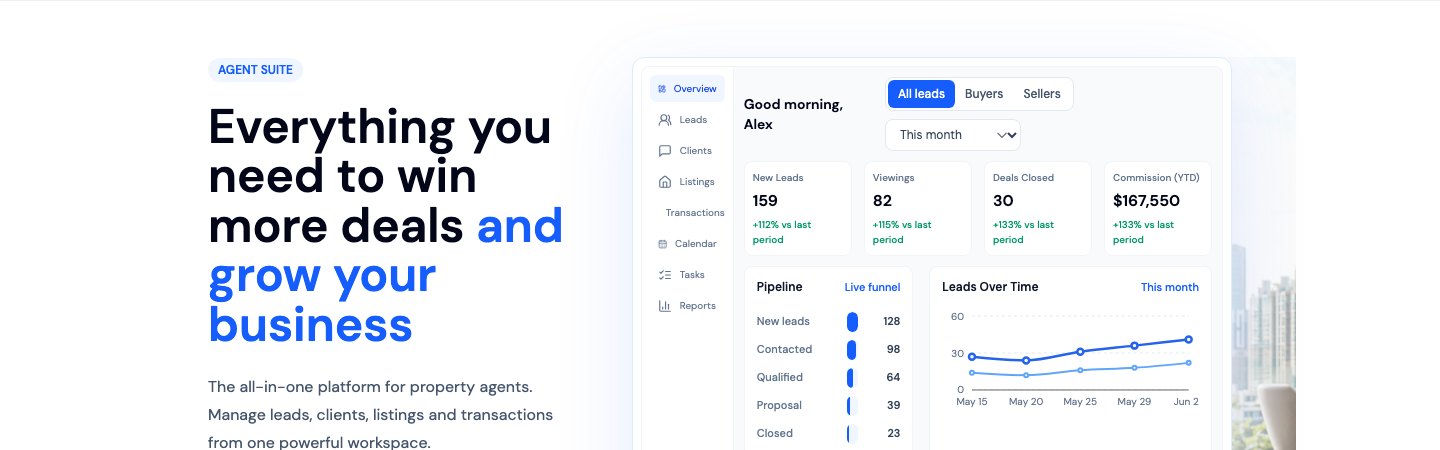
CRM, listings, viewings, client follow-ups, and AI support for daily sales work.
Learn more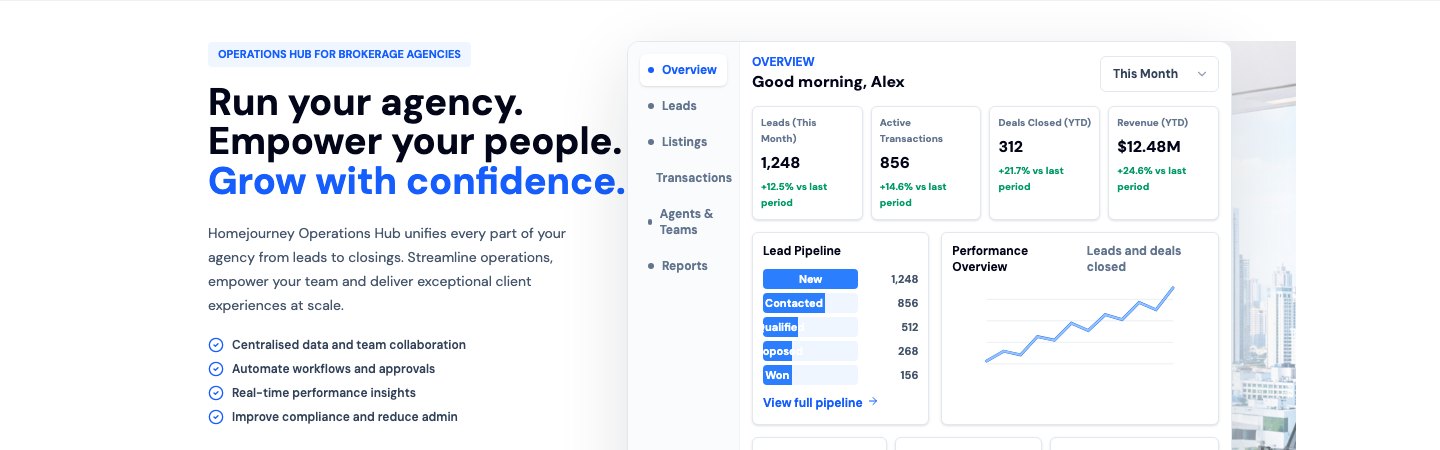
Lead routing, listing operations, team performance, compliance, and business visibility.
Learn more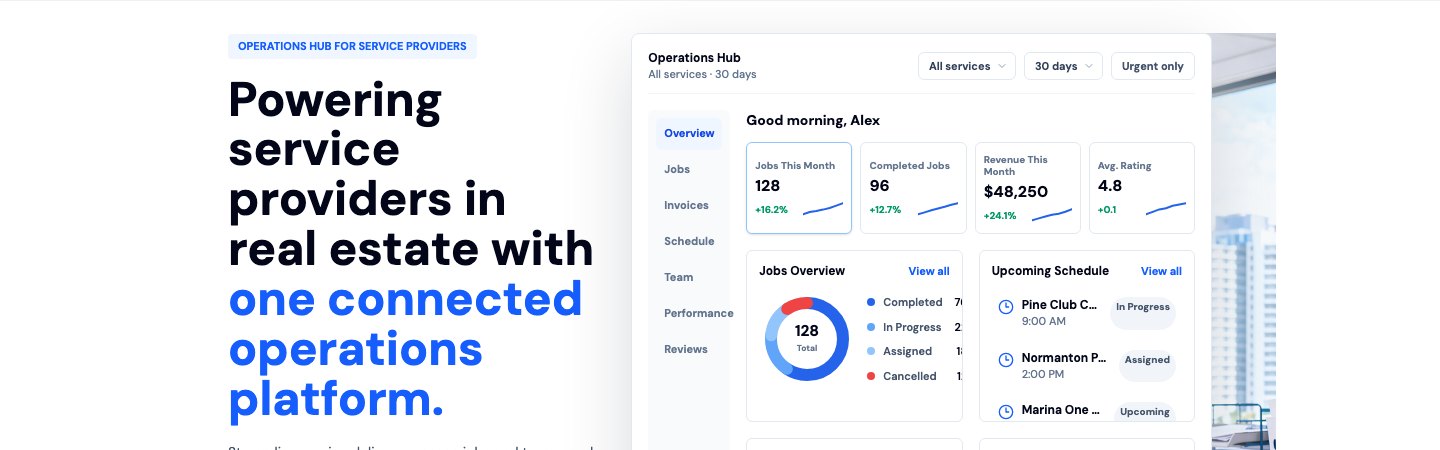
Bookings, job management, fulfilment, payouts, and customer workflows in one place.
Learn more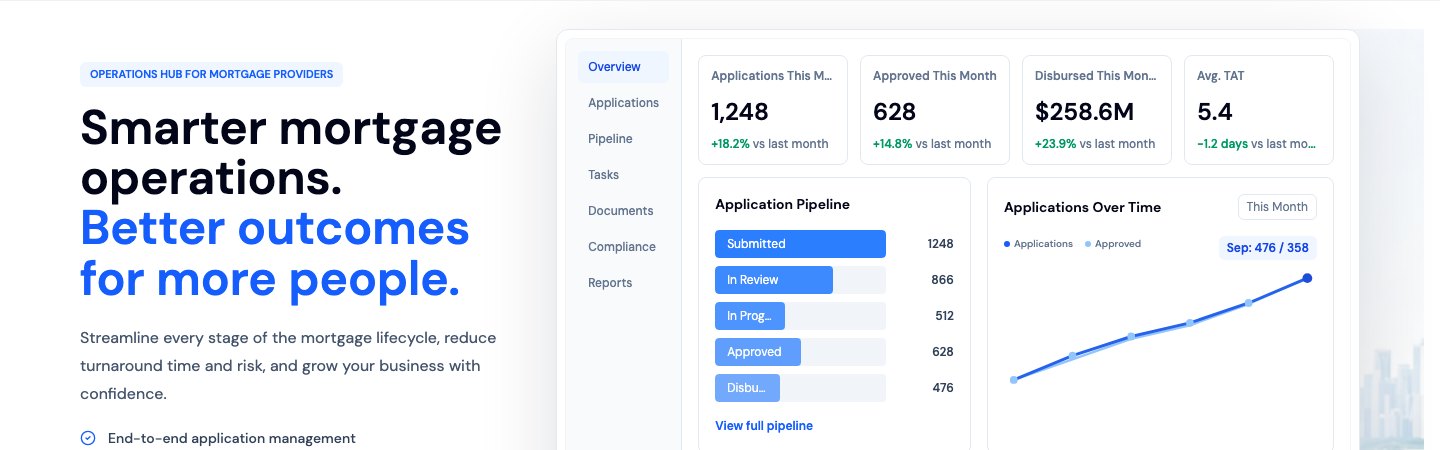
Loan discovery, referrals, applications, affordability, and financing workflows.
Learn more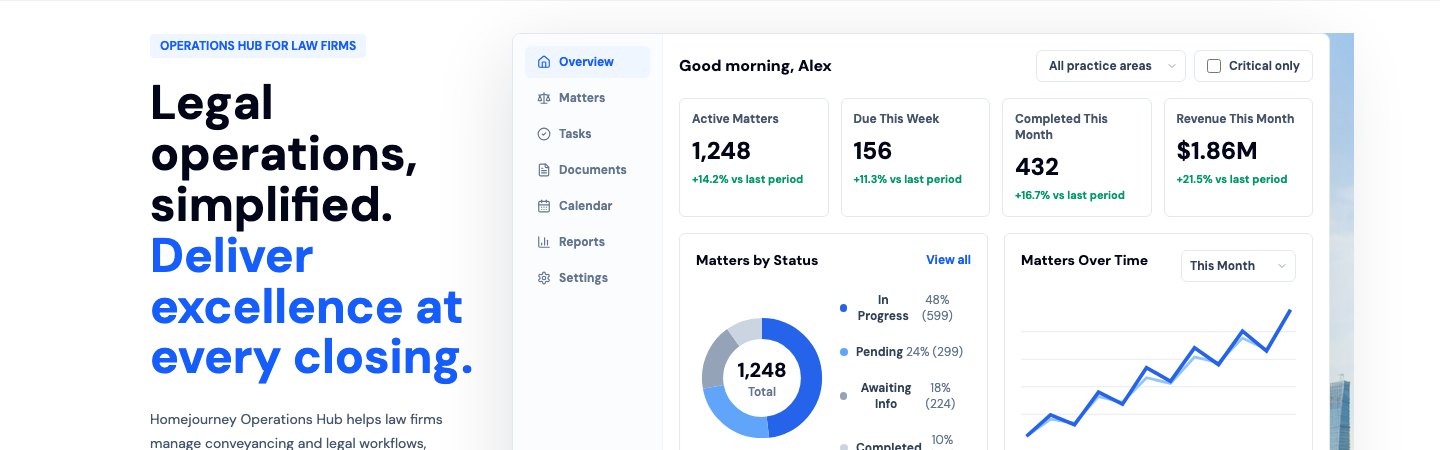
Matter milestones, document workflows, client updates, and transaction visibility.
Learn more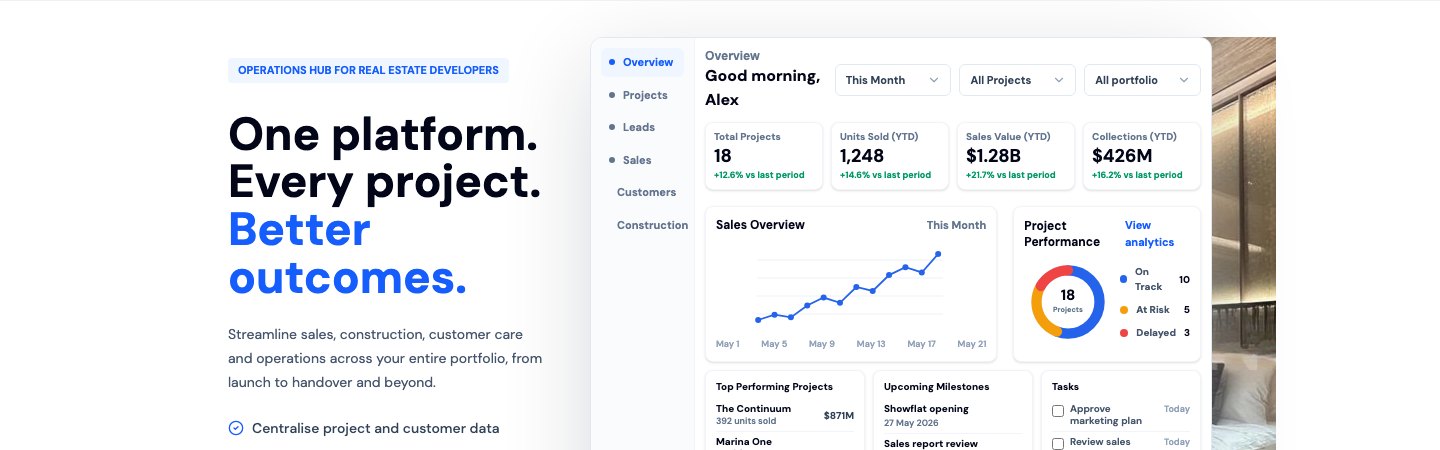
Launch pages, buyer journeys, agent distribution, lead capture, and launch analytics.
Learn more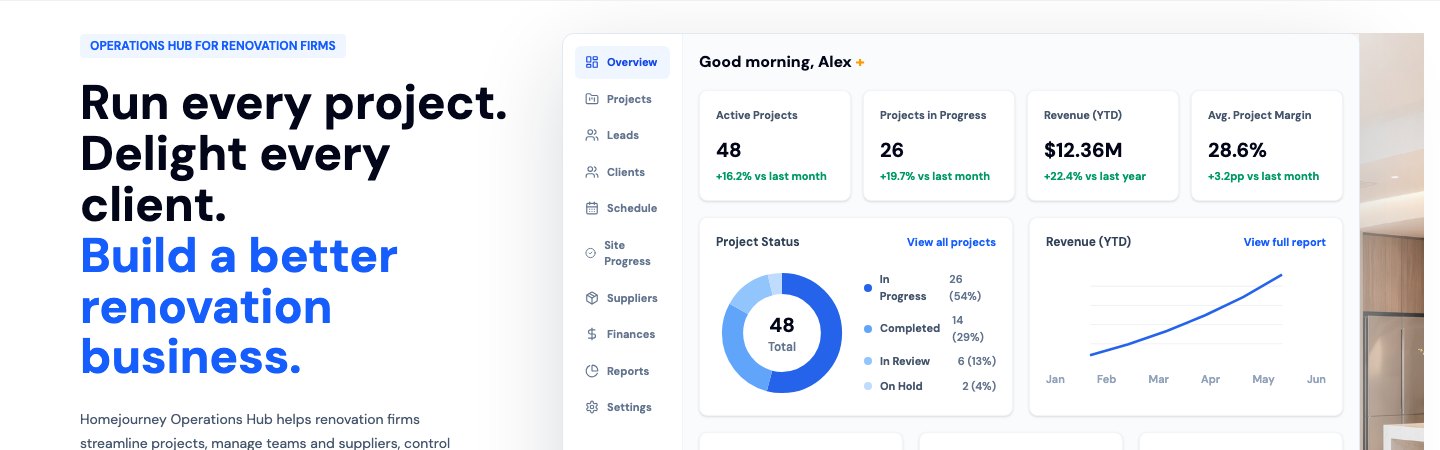
Project scopes, quotes, appointments, renovation milestones, and homeowner handoffs.
Learn moreLaunch paths
Begin the restricted onboarding path for eligible organizations and activate governed platform access.
Open pathRead the public platform guides. Authenticated API docs and keys are issued through onboarding.
Open pathReview the security posture for data handling, access control, privacy, and platform trust.
Open pathReview assisted rollout, workspace scope, pricing fit, and support before go-live.
Open pathReach the platform team for onboarding, procurement, API, rollout, and support questions.
Open pathShared workspace
Create or join an organization once, then activate the right business workspace with scoped roles, billing intent, and staff access.
Identity, authority, agreement, support contact, first workflow item, staff invite, and rollback ownership gate live access.
Each business workspace uses sandbox and live scopes, status components, audit trails, and credential boundaries before partner integrations go live.
Business workspace selector
Restricted workspace candidate
Create first lead or client
For: Individual agents and agent teams
Start onboarding for restricted setup or request a demo for assisted rollout.
Restricted workspace candidate
Create first roster entry
For: Brokerages, branches, and team leaders
Start onboarding for restricted setup or request a demo for assisted rollout.
Restricted workspace candidate
Create first service
For: Home service providers
Start onboarding for restricted setup or request a demo for assisted rollout.
Restricted workspace candidate
Create first referral
For: Mortgage brokers, banks, and financing partners
Start onboarding for restricted setup or request a demo for assisted rollout.
Restricted workspace candidate
Create first matter
For: Conveyancing and transaction law firms
Start onboarding for restricted setup or request a demo for assisted rollout.
Restricted workspace candidate
Create first project
For: Developers and project marketers
Start onboarding for restricted setup or request a demo for assisted rollout.
Restricted workspace candidate
Create first project
For: Renovation and interior firms
Start onboarding for restricted setup or request a demo for assisted rollout.
Pricing and packaging
Choose the workspace module first, then activate only the roles and operating paths that are ready.
Open pathStart from organization and module seats before expanding into usage-based gates.
Open pathUsage remains visible and append-only before automatic overage billing or suspension is enabled.
Open pathEnterprise and regulated teams start with security review, support ownership, and operator approval.
Open pathEvery gated module keeps a sales-assisted path when self-serve access is not live yet.
Open pathHomejourney builds operating workspaces for businesses across the property journey, starting from Singapore and designed for teams that need trust, speed, and control.
Enterprise-grade controls for data, roles, and operational visibility.
Built for public discovery, agent workflows, and high-volume market demand.
Assisted rollout
Workspaces launch with scoped access, readiness gates, support paths, and pricing review so each business can go live with the right controls.